Image hosting for people
who ship alone.
I'm an indie dev myself, and PixelVault is the tool I need and use: upload an image, get a CDN URL, resize it with query params. No credit pools, no origin to configure, no sales call.
Get started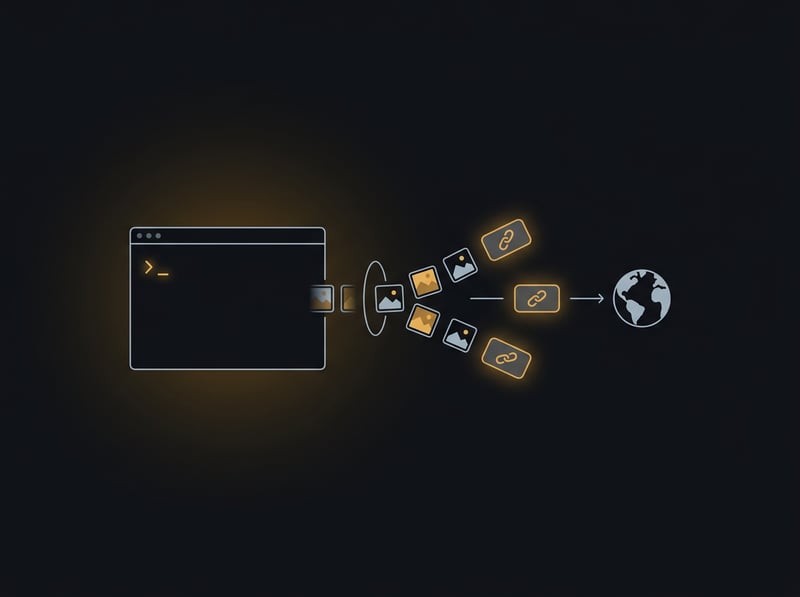
Free, and it stays free
200 MB storage, 500 uploads/month, 1 GB bandwidth. No credit card, no trial clock. Side projects shouldn't come with a billing page.
Zero egress fees
A Hacker News spike won't turn into a surprise bill. Serving images costs you nothing extra, ever.
One call to upload
POST a file, get a permanent CDN URL back. Works from curl, the CLI, or any language with an HTTP client. No bucket, no CORS, no IAM.
Transforms in the URL
Resize, crop, and convert to WebP/AVIF with ?w=400&fit=cover&fmt=webp. No per-transformation credits and no image pipeline to maintain. See live examples.
Pricing you can hold in your head
Free, then $9 or $29 a month. One flat plan, not a credit pool you have to forecast. See pricing.
Works with your coding agent
MCP server, llms.txt, and OpenAPI, so Claude Code or Cursor can upload screenshots without you copy-pasting. See image hosting for AI agents.
No lock-in
Export your whole project as a tar archive, free, any time. If you outgrow us, you leave with your images.
A real API
REST with an OpenAPI 3.1 spec, idempotent uploads, and structured errors. Read the image hosting API overview.
Lighter than the big platforms
Cloudinary, ImageKit, and imgix are built for enterprise media teams. If you mostly host, resize, and convert, see how we compare to ImageKit.
Recipes that work today
Replace the path with your own image. Each variant is generated on the first request, then cached at the edge for a year.
Upload with one command
No account needed to try it. The link lasts 30 days; add an API key to keep images permanently.
curl -F "file=@screenshot.png" https://api.pixelvault.dev/v1/imagesThe JSON response carries the CDN url.
Responsive images with srcset
Three widths from one upload; the browser picks the one it needs.
<img
  src=".../img_abc123.jpg?w=800&fmt=auto"
  srcset=".../img_abc123.jpg?w=400&fmt=auto 400w,
          .../img_abc123.jpg?w=800&fmt=auto 800w,
          .../img_abc123.jpg?w=1200&fmt=auto 1200w"
sizes="(max-width: 800px) 100vw, 800px" alt="">400, 800 and 1200 are exact supported widths. Other values snap up to the nearest one.
Import from a URL
Let the server fetch a public image instead of uploading bytes. Add dedupe to skip files you already have.
curl https://api.pixelvault.dev/v1/images \
  -H "Authorization: Bearer $PIXELVAULT_API_KEY" \
  -H "Content-Type: application/json" \
-d '{"url":"https://example.com/photo.jpg","dedupe":true}'The URL must be direct: redirects are refused, and some hosts block server-side fetches.
Host your first image in 30 seconds
Free tier, no credit card. If something's missing, email me.
Read the quickstart