Image infrastructure
your agent can use.
Give your agent a way to upload screenshots, prepare image variants, and return CDN URLs ready for an app, document, or teammate. Connect through MCP, the CLI, an agent skill, or the image hosting API.
Connect your agent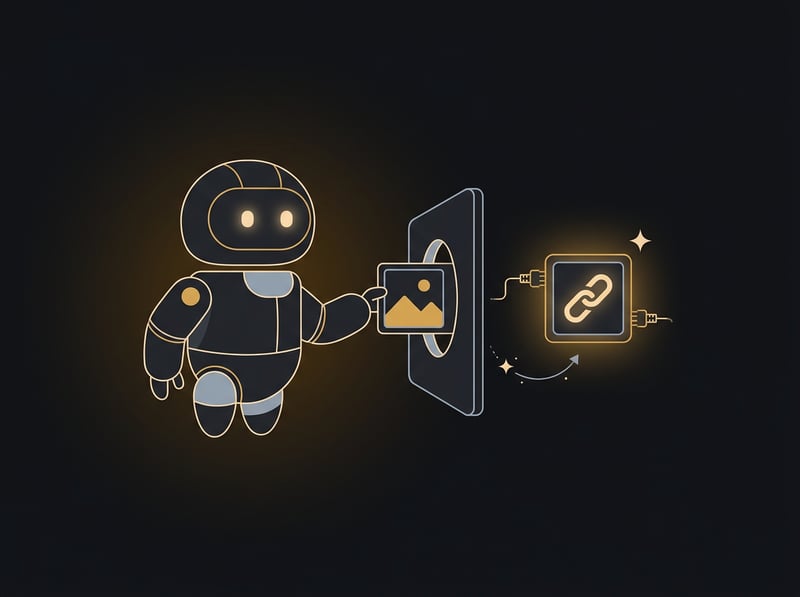
Pick how your agent connects.
Set up PixelVault so you can host images for me. First tell me setup takes about a minute, then keep me posted as you go. Open https://api.pixelvault.dev/connect?agent=<your name>&can=<shell,browser,connectors> and follow what it says. Can't open links? Run npx skills add pixelvault-dev/skill -g -y
Your agent opens a setup page that adapts to what it can do (shell, browser, connectors). No account needed to try it; keyless links last 30 days, and a free API key makes them permanent.
MCP
Add the remote server and your agent gets upload, list, delete, transform and generate as tools.
https://mcp.pixelvault.dev/mcp MCP setup → CLI
One-liner uploads from any shell your agent can run.
npx pixelvault-cli upload photo.jpgCLI docs →
Skill
For Claude Code, Codex, Cursor and any agent that reads SKILL.md files.
npx skills add pixelvault-dev/skillSkill source →
API
Plain HTTP from any language. A keyless upload is a single call.
curl -F "file=@photo.png" https://api.pixelvault.dev/v1/imagesAPI overview →
Native MCP server
A remote Model Context Protocol server at mcp.pixelvault.dev — connect Claude, Cursor, or any MCP client and upload, list, and delete images as tools.
Agent discovery
llms.txt, OpenAPI 3.1 spec, and .well-known/api-catalog let agents find and understand PixelVault without documentation parsing.
API-only registration
One POST to /v1/auth/register with just an email — no password to invent, no CAPTCHA, no email verification required to start uploading. Agents get an API key instantly.
URL-based transforms
Resize, crop, and convert by appending query params to any CDN URL — ?w=400&fit=cover&fmt=webp. No extra call; the agent needs a thumbnail or OG card in one request. See live examples.
Idempotent uploads
Retry-safe by design. If an upload is interrupted, the agent can safely retry without creating duplicates.
Structured errors
JSON error responses with machine-readable codes. Agents can parse errors and recover programmatically.
Zero configuration
No project setup, no bucket creation, no CORS configuration. Upload an image, get a CDN URL. That's the entire workflow.
Works with every agent
Claude Code, Cursor, Windsurf, Copilot — any agent that can make HTTP requests can use PixelVault.
Your agent can make the image, too.
Agents don't only host images, they create them: blog heroes, social cards, placeholder art. One tool call turns a prompt into a finished image on a stable CDN URL, so there is no download-then-upload step for the agent to get wrong.
- One call. The
generate_imagetool on the MCP server and the Claude connector, orPOST /v1/images/generate. - Priced in credits. 10 a month on the free plan, 300 on Starter, 1,500 on Pro. A failed call is refunded, and every result tells the agent how many credits are left.
- Plain about the models. Open Cloudflare Workers AI models (FLUX, SDXL, Leonardo): good for illustrations and backgrounds, so test your prompt. More models come if you ask for them.
-H "Authorization: Bearer $PIXELVAULT_API_KEY" \
-H "Content-Type: application/json" \
-d '{"prompt":"flat vector hero, a robot at a laptop, no text"}'
# 201 → the hosted image, plus what it cost:
{ "data": {
"url": "https://img.pixelvault.dev/proj_…/img_….jpg",
"generation": { "credits_charged": 1, "credits_remaining": 9 }
} }
What agents use it for.
CI screenshots
"Upload each failing Playwright screenshot and put the links in the PR comment."
Host CI screenshots →Generated images
"Make a hero image for this post and give me the CDN URL."
Generate with one call →Cloud agents that can't see your screen
"Get the screenshot on my clipboard into this agent as a URL."
Images into cloud agents →Recipes that work today
Replace the path with your own image. Each variant is generated on the first request, then cached at the edge for a year.
Host a screenshot without an account
An agent gets a shareable link in one call, with no signup and no key. Keyless links last 30 days.
curl -F "file=@screenshot.png" https://api.pixelvault.dev/v1/imagesAdd an API key to make the image permanent.
Ask for the size you need
Agents build variants by appending parameters to the URL, with no extra call.
.../img_abc123.jpg?w=800&fmt=auto
.../img_abc123.jpg?size=social
Scratch images that expire
Charts, diffs and mockups an agent produces while working can delete themselves after a set time.
{"url": "https://example.com/chart.png", "expires_in": 3600}From 60 seconds to 30 days. Sent to POST /v1/images with an API key.
Let your agent try it
Set up PixelVault so you can host images for me. First tell me setup takes about a minute, then keep me posted as you go. Open https://api.pixelvault.dev/connect?agent=<your name>&can=<shell,browser,connectors> and follow what it says. Can't open links? Run npx skills add pixelvault-dev/skill -g -y
Prefer the full reference? Point your agent at pixelvault.dev/llms.txt.